Best Apps to Plan a Cycle Route: Top Picks for 2026
Cycling App Finder
Configure Your Ride
Recommended Apps
Configure your preferences on the left to see which cycling app matches your needs.
There is nothing worse than pedaling halfway up a steep hill only to realize you missed the turn onto the quiet country lane. Or worse, finding yourself stuck on a busy highway with no sidewalk in sight. If you are wondering whether there is an app to plan a cycle route, the answer is a resounding yes. In fact, the market is flooded with options, each designed to solve specific problems for different types of riders.
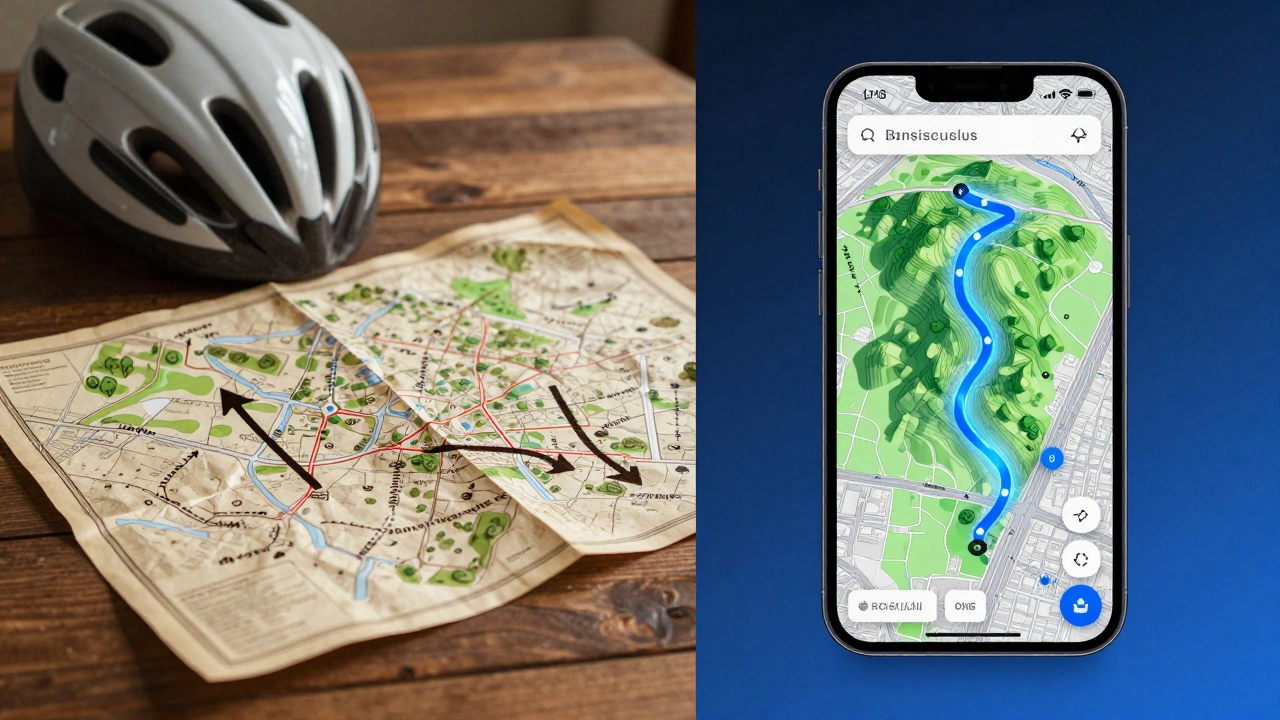
Gone are the days when cyclists relied solely on paper maps or asking locals for directions. Today’s cycling apps use sophisticated algorithms to analyze road surface quality, traffic density, and elevation profiles before you even clip into your pedals. Whether you are a commuter trying to avoid exhaust fumes or a weekend warrior chasing gravel miles, choosing the right tool can transform a stressful ride into a joyful adventure.
How Modern Route Planners Work
Before picking an app, it helps to understand what makes them tick. Most modern route planning software relies on OpenStreetMap (OSM) data combined with proprietary user-generated insights. Unlike standard car navigation systems that prioritize speed above all else, these apps prioritize safety and enjoyment.
The core technology involves three main layers:
- Base Map Data: This provides the skeleton of roads, paths, and trails. It tells the app where the physical infrastructure exists.
- Surface Classification: This is crucial for cyclists. The app identifies if a path is asphalt, gravel, dirt, or cobblestone. A mountain biker wants dirt; a road cyclist wants smooth tarmac.
- User Feedback Loops: Apps like Komoot allow users to tag sections as “scenic,” “dangerous,” or “steep.” This crowdsourced intelligence creates a living map that updates in real-time.
This combination allows the algorithm to suggest routes that feel human-curated rather than mathematically optimal but practically miserable.
Top Apps for Planning Your Ride
Not all apps are created equal. Depending on your riding style, one platform will shine while another falls flat. Here is a breakdown of the most reliable tools available in 2026.
Komoot: The Best All-Rounder
If you want a single app that handles everything from city commuting to multi-day touring, Komoot is widely considered the gold standard. Its strength lies in its detailed activity stages. When you plan a route, Komoot doesn’t just draw a line; it breaks the ride down into segments, providing audio cues for every turn.
What sets Komoot apart is its point-of-interest (POI) integration. It knows where the best coffee shops, water fountains, and bike repair stations are along your path. For long-distance rides, this feature is invaluable. You don’t have to wonder if there’s a place to refill your bottle; the app tells you exactly when and where.
Best for: Touring cyclists, gravel riders, and anyone who values detailed turn-by-turn navigation with context.
Strava: The Social Powerhouse
You might know Strava primarily as a fitness tracker, but its route-building feature, known as Heatmaps, is incredibly powerful. Strava aggregates GPS data from millions of athletes to show you where people actually ride. These heatmaps reveal hidden shortcuts, popular park loops, and dangerous intersections that official maps might miss.
When you build a route in Strava, you can drag and drop points on the map, and the app snaps your line to the most popular riding lines. It also integrates seamlessly with its segment system, allowing you to challenge yourself against local records. However, be aware that advanced route planning features often require a paid subscription.
Best for: Competitive cyclists, social riders, and those who want to discover popular local routes.
Google Maps: The Reliable Backup
Don’t underestimate the simplicity of Google Maps. While it lacks the nuanced surface data of specialized apps, its offline capabilities and universal availability make it a strong contender for urban commuters. Simply select the bicycle icon, and Google will attempt to find the shortest route using bike lanes and quieter streets.
Its biggest advantage is familiarity. Everyone knows how to use it, and it integrates perfectly with other services. If you are just getting started and don’t want to learn a new interface, Google Maps gets the job done for simple A-to-B trips.
Best for: Urban commuters, beginners, and emergency backup navigation.
Cyclemeter & Bike Computer Integration
For riders who prefer dedicated hardware, apps like Cyclemeter offer robust route planning that syncs directly with head units like Garmin or Wahoo. This is essential for serious athletes who need precise power zone tracking and lap management during their planned routes.
| App Name | Primary Strength | Offline Mode | Cost Model |
|---|---|---|---|
| Komoot | Detailed POIs & Surface Data | Yes (Region-based) | Freemium (Regions cost extra) |
| Strava | Heatmaps & Social Features | Limited | Subscription Required for Routes |
| Google Maps | Simplicity & Availability | Yes | Free |
| Cyclemeter | Hardware Sync | Yes | Freemium |

Key Features to Look For
When evaluating which app to download, consider these critical factors that impact your safety and enjoyment.
Elevation Profiles
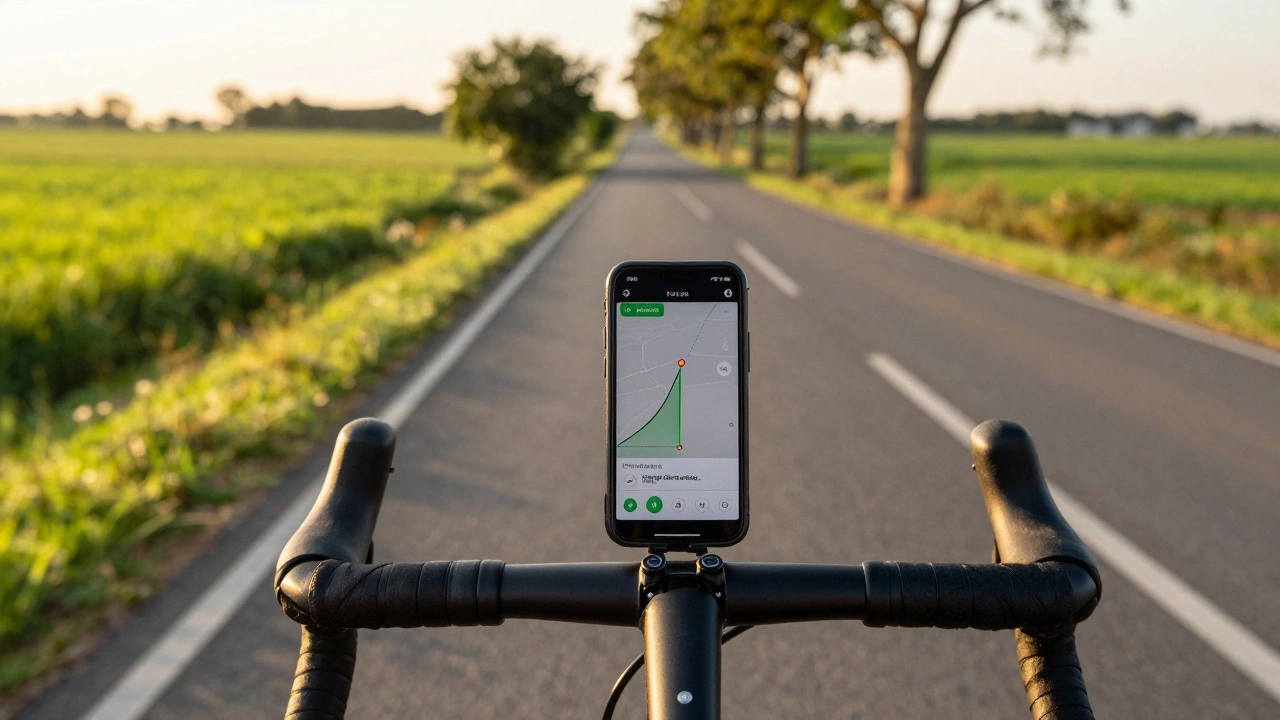
A flat 20-mile ride feels very different from a 20-mile ride with 2,000 feet of climbing. Good apps display a clear elevation graph alongside your route. This helps you pace yourself and decide if you have enough energy reserves for the final push. Look for apps that highlight steep gradients so you can shift gears proactively.
Offline Navigation
Cell service is unreliable in rural areas and dense forests. An app that requires constant internet connectivity is a liability. Ensure your chosen app allows you to download maps for offline use. This ensures that if your phone loses signal, your turn-by-turn directions still work.
Turn-by-Turn Audio Cues
Checking your phone screen while riding is dangerous. The best apps provide voice prompts that alert you to upcoming turns, hazards, and points of interest. Make sure the volume is adjustable and the timing is accurate, giving you enough time to react safely.
Planning Tips for Safer Rides
Even the best app cannot predict every variable. Use these strategies to enhance your route planning process.
- Preview the Route: Never trust the app blindly. Scroll through the entire route on the map view before you leave. Check for construction zones, closed bridges, or unexpected highways.
- Share Your Location: Most apps allow you to share your live location with friends or family. Enable this feature, especially for solo rides in remote areas.
- Check Weather Conditions: Integrate weather forecasts into your planning. Wet leaves on gravel paths can be slippery, and high winds can make exposed ridges dangerous.
- Plan Escape Routes: Identify early exit points along your journey. If you start feeling unwell or tired, knowing the nearest town or bus stop can save you from a difficult situation.
Common Pitfalls to Avoid
One common mistake is relying too heavily on the shortest distance metric. A shorter route might involve navigating through heavy traffic or unpaved surfaces that slow you down significantly. Always prioritize route quality over pure mileage.
Another pitfall is ignoring battery life. GPS tracking drains your phone battery quickly. Carry a portable charger or use a dedicated bike computer for long rides to ensure your phone remains usable for emergencies.
Which app is best for offline cycling navigation?
Komoot is generally regarded as the best option for offline navigation because it allows you to download specific regions with detailed topographic data. Once downloaded, the maps and turn-by-turn instructions work without any cellular connection.
Can I use Strava for route planning without a subscription?
Basic tracking is free, but the advanced route builder and heatmap features that make Strava unique for planning usually require a Strava Summit subscription. Free users can view routes created by others but cannot easily create custom ones.
Do these apps work for e-bikes?
Yes, most major apps like Komoot and Strava support e-bike modes. They adjust their recommendations to account for the extended range and different handling characteristics of electric bicycles, often suggesting slightly longer or more varied routes.
Is Google Maps safe for cycling?
Google Maps is safe for basic urban commuting but lacks the nuance for off-road or long-distance touring. It may occasionally route you onto roads unsuitable for bikes. For complex routes, specialized apps are safer choices.
How do I transfer my route to my Garmin device?
Most apps like Komoot and Strava allow you to export routes as GPX files. You can email these files to yourself and open them on your computer, then drag them into the Garmin Connect folder on your PC/Mac, or use the respective app’s direct sync feature if supported.